Every example is one C++ file that builds with vw (-DVW_BUILD_EXAMPLES=ON, the default) and runs on its own. Each one is short enough to copy into your project and change.
cmake -S . -B build -G Ninja && cmake --build build
./build/vw-example-clock
Desktop widgets
Clock
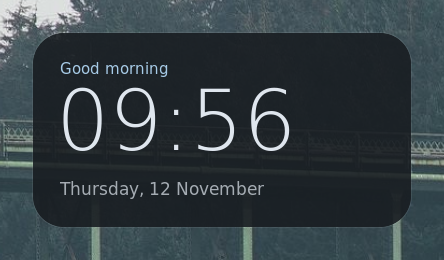
A greeting, the time and the date on a translucent card in the top-left corner. It sits below windows, never takes input, and rebuilds once a second.
- Layer::bottom
- click-through
- refresh_interval
./build/vw-example-clockexamples/cpp/clock.cpp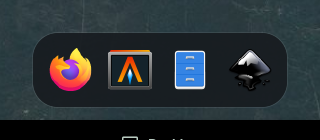
Dock
Pinned applications along the bottom edge. The icons come from desktop entries and the icon theme, and a click launches the application.
- vw::applications
- themed icons
- Hover
./build/vw-example-dockexamples/cpp/dock.cpp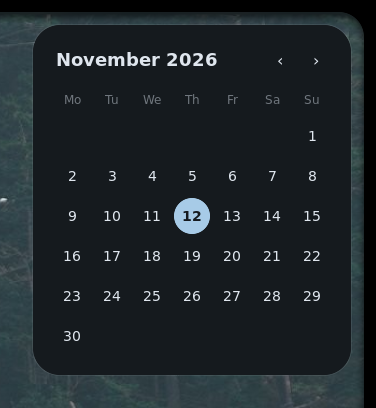
Calendar
A month grid in the top-right corner. The arrows or the mouse wheel page through months, and today is highlighted.
- std::chrono
- on_scroll
- grid layout
./build/vw-example-calendarexamples/cpp/calendar.cpp
Bar
A full-width top bar with the active workspace, a clock and a launcher button. It rebuilds right away on Hyprland events.
- full-width surface
- exclusive_zone
- Hyprland events
./build/vw-example-barexamples/cpp/bar.cpp
Status bar
The system services in one bar. Tray icons open their menus in a popup, the brightness changes on scroll, and a chip switches the power profile.
- tray
- network
- bluetooth
- upower
- brightness
./build/vw-example-statusexamples/cpp/status.cppOverlays
Launcher
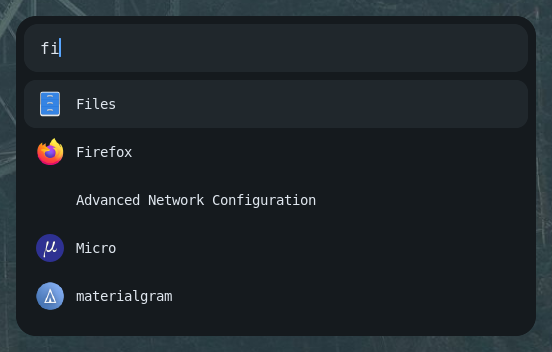
A bar with a launcher popup, both driven by one app. The popup maps when opened, takes the keyboard and filters applications as you type.
- two surfaces
- Keyboard::exclusive
- listview
./build/vw-example-launcherexamples/cpp/launcher.cpp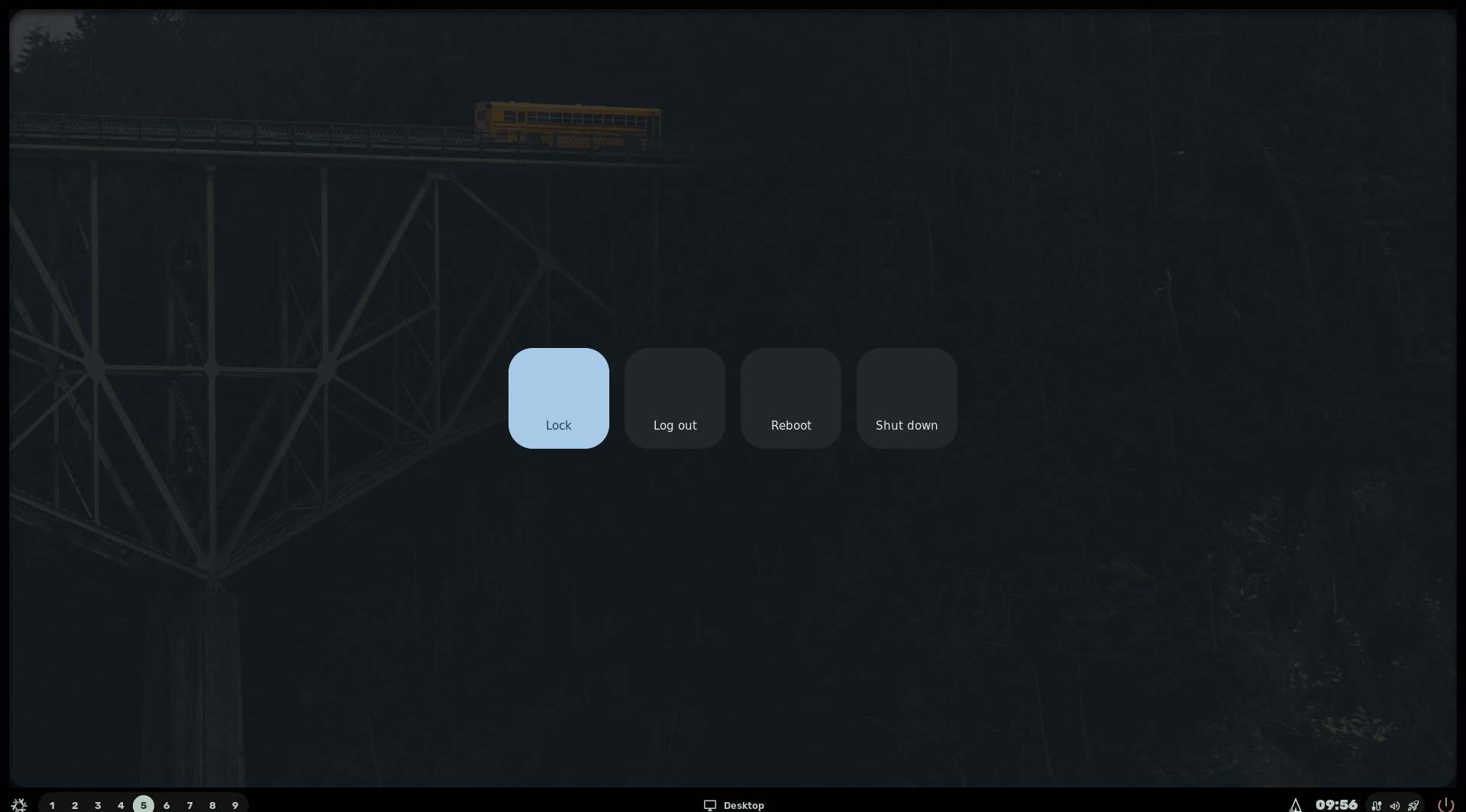
Power menu
Lock, log out, reboot or shut down from a dimmed fullscreen overlay. The arrows move the selection, and Escape or a click outside closes it.
- fill the output
- Layer::overlay
- keyboard
./build/vw-example-powerexamples/cpp/power.cpp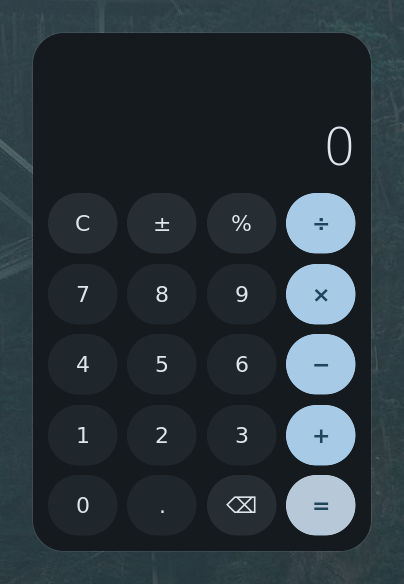
Calculator
A fixed-size calculator layer in the middle of the screen, so no tiling stretches it. Use the mouse or type: digits, operators, Enter, Backspace and Escape.
- anchor::center
- Keyboard::exclusive
- grid layout
./build/vw-example-calculatorexamples/cpp/calculator.cppWindow
Tasks
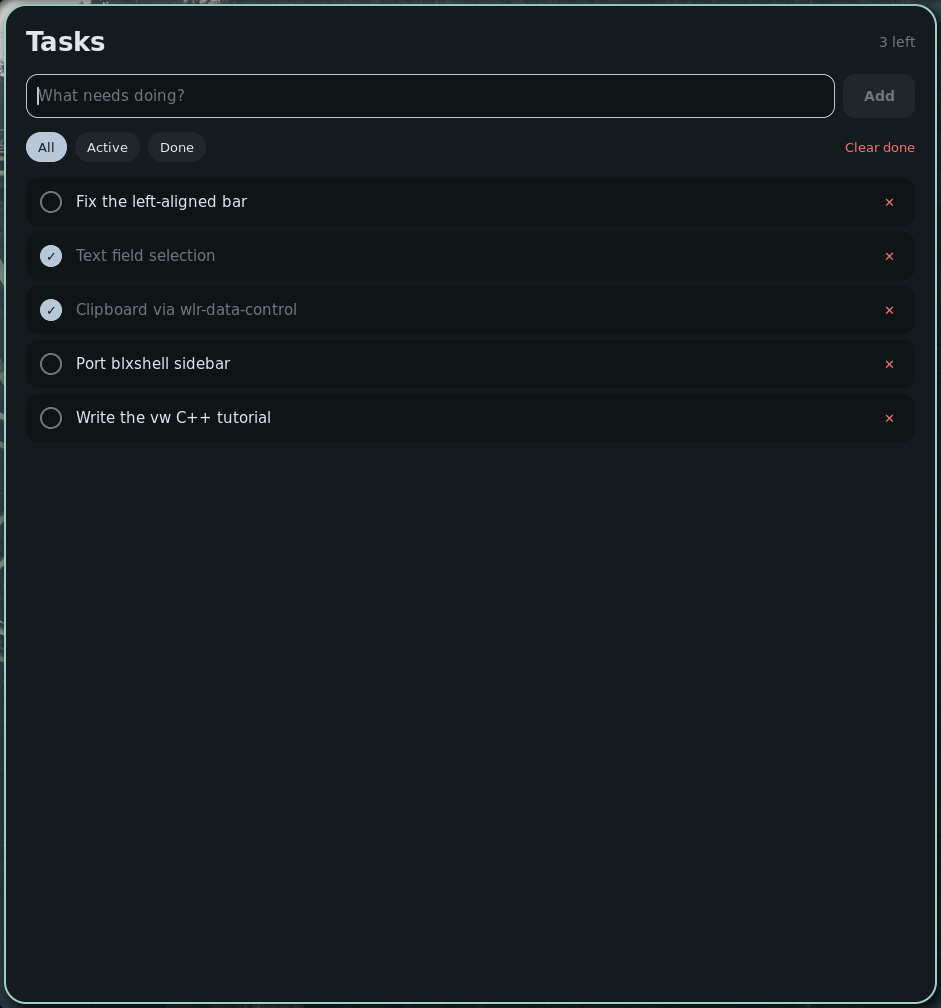
A to-do list in an ordinary resizable window. Add tasks with Enter, then filter, tick off and delete them. They’re saved in $XDG_DATA_HOME.
- Ui::toplevel
- text_field
- listview
- persistence
./build/vw-example-tasksexamples/cpp/tasks.cpp